Core Architecture
A task‐oriented framework designed to guide travel advisors through website setup and management with minimal cognitive load.
In this page
November 14th, 2025
Event Website Manager
Task‐Focused Dashboard Layout
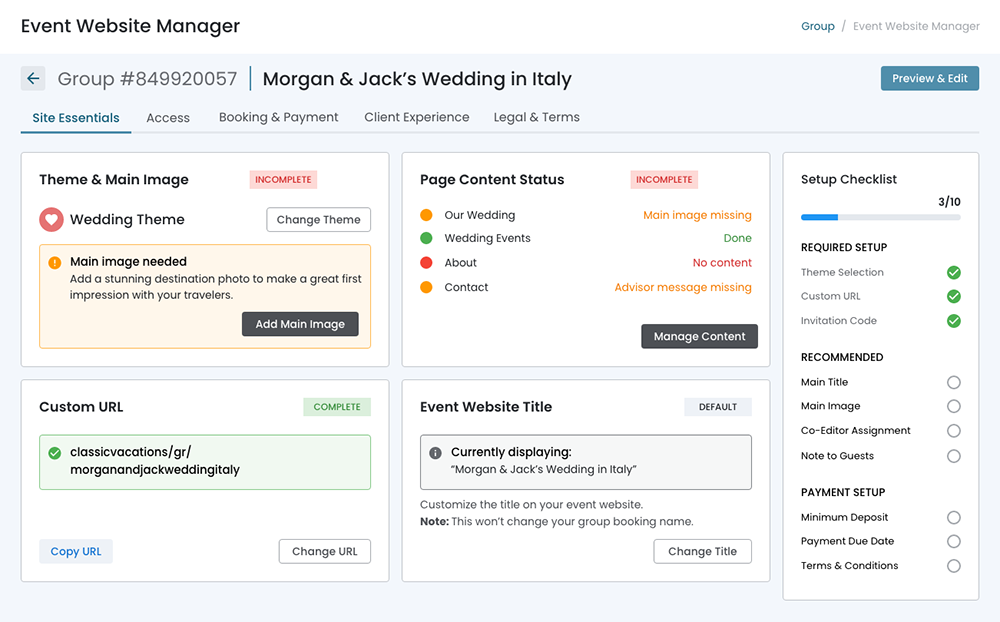
The Event Website Manager uses a structured dashboard layout that prioritizes progressive task completion while maintaining constant access to key actions and context. This architecture balances three essential elements: contextual navigation, actionable content, and progress tracking.
Navigation Hierarchy:
- Site Essentials (content/appearance)
- Access (who can see it)
- Booking & Payment (commerce)
- Client Experience (guest-facing features)
- Legal & Terms (compliance)
November 14th, 2025
Layout Structure
Three‐Panel Dashboard
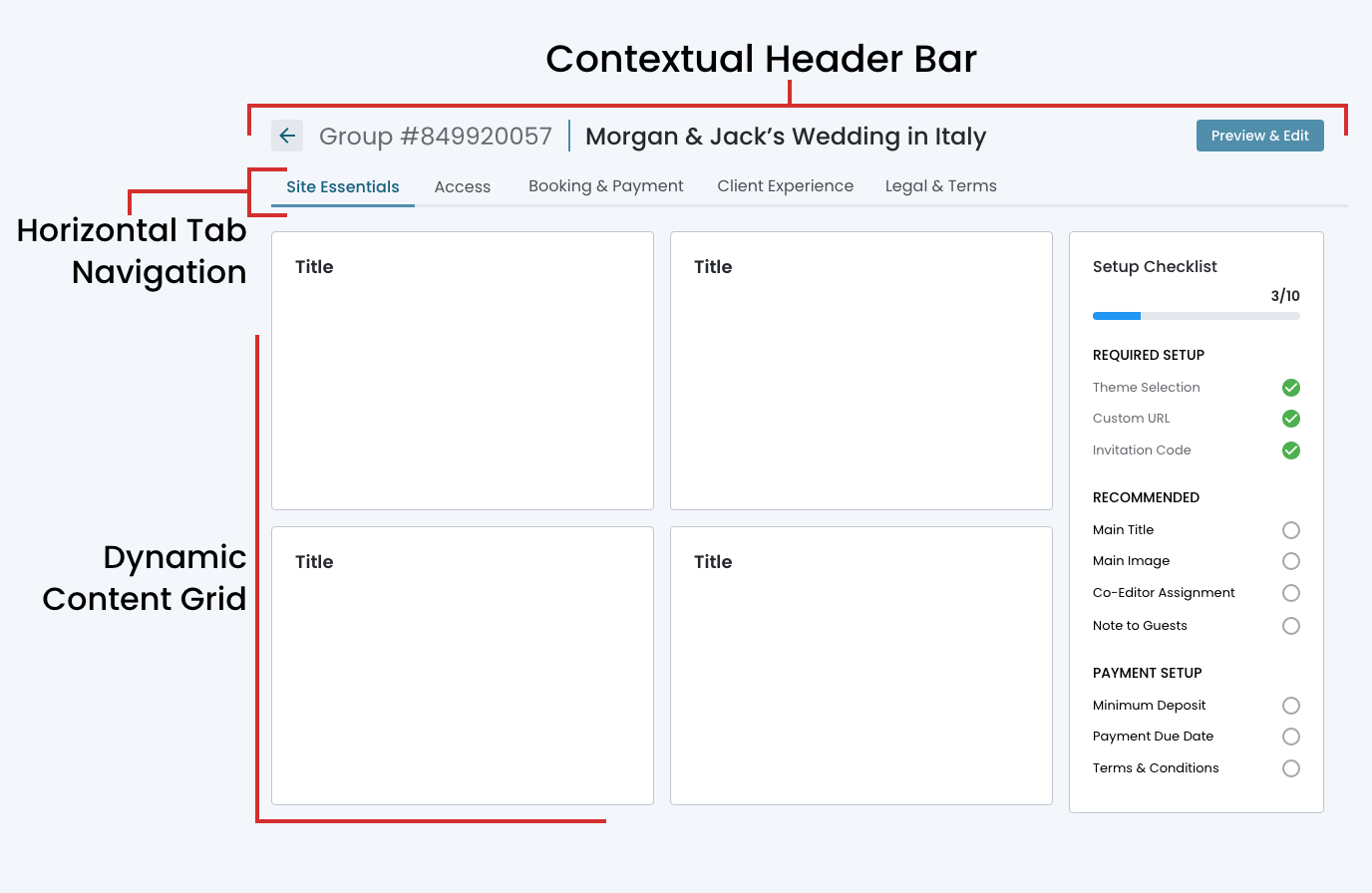
The Event Website Manager employs a three‐zone layout optimized for task‐oriented workflows. The interface maintains persistent context while allowing users to focus on specific configuration areas without losing sight of their overall progress.
Key Structural Components:
- Contextual Header Bar ‐ Group identification, access to the website preview and editing interface, and a back button to the group page.
- Horizontal Tab Navigation ‐ Five primary sections organize website management tasks into logical categories.
- Dynamic Content Grid ‐ A flexible 2‐column layout in the main content area displays actionable cards relevant to the selected tab section.
- Persistent Progress Sidebar ‐ A fixed‐position checklist on the right side tracks overall website setup completion across three priority tiers.
November 24th, 2025
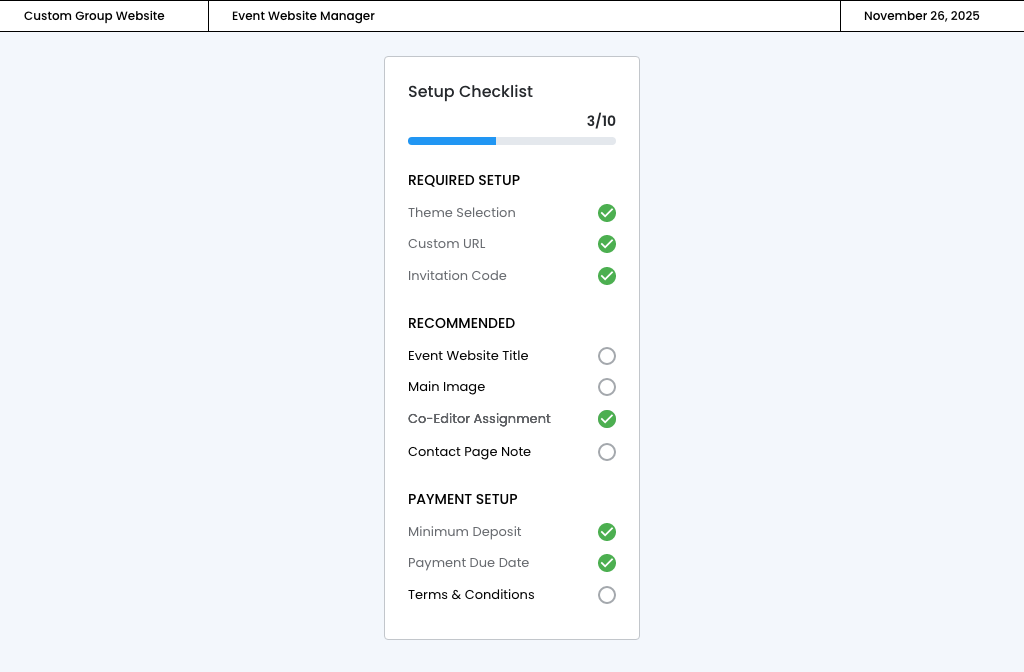
Checklist
Progress Tracking Sidebar
A fixed‐position checklist on the right side tracks overall website setup completion across three priority tiers: Required Setup (3 items), Recommended (4 items), and Payment Setup (3 items), providing constant visibility into progress regardless of which tab is active.